
PicACG guides
Eight detailed walkthroughs covering every stage of reading with PicACG, from installing on Android and Windows to building from source, sharpening pages and keeping connections fast.
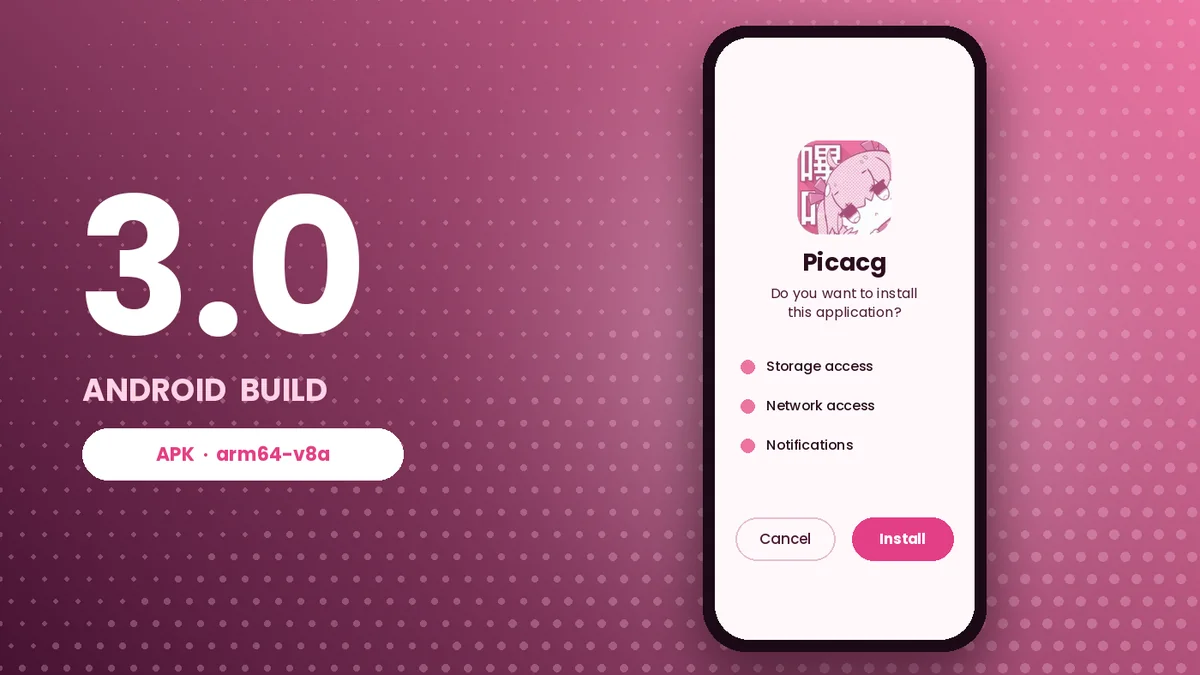
PicACG 3.0 Android: Install, Set Up and Read Smoothly
Pick the right APK, install PicACG 3.0 on Android safely and tune the reader, downloads and filters for long sessions.
Read guide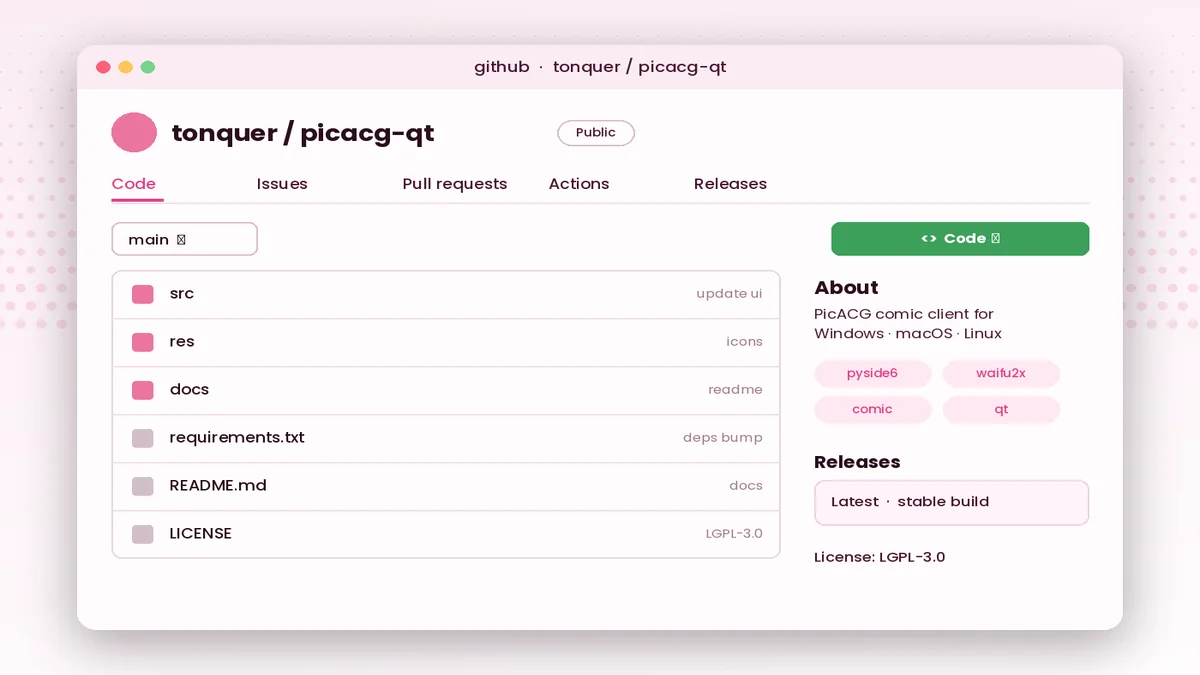
PicACG GitHub: Repositories, Releases and Source Explained
A clear map of the PicACG GitHub projects, how to read each repository, and where trustworthy builds and source archives live.
Read guide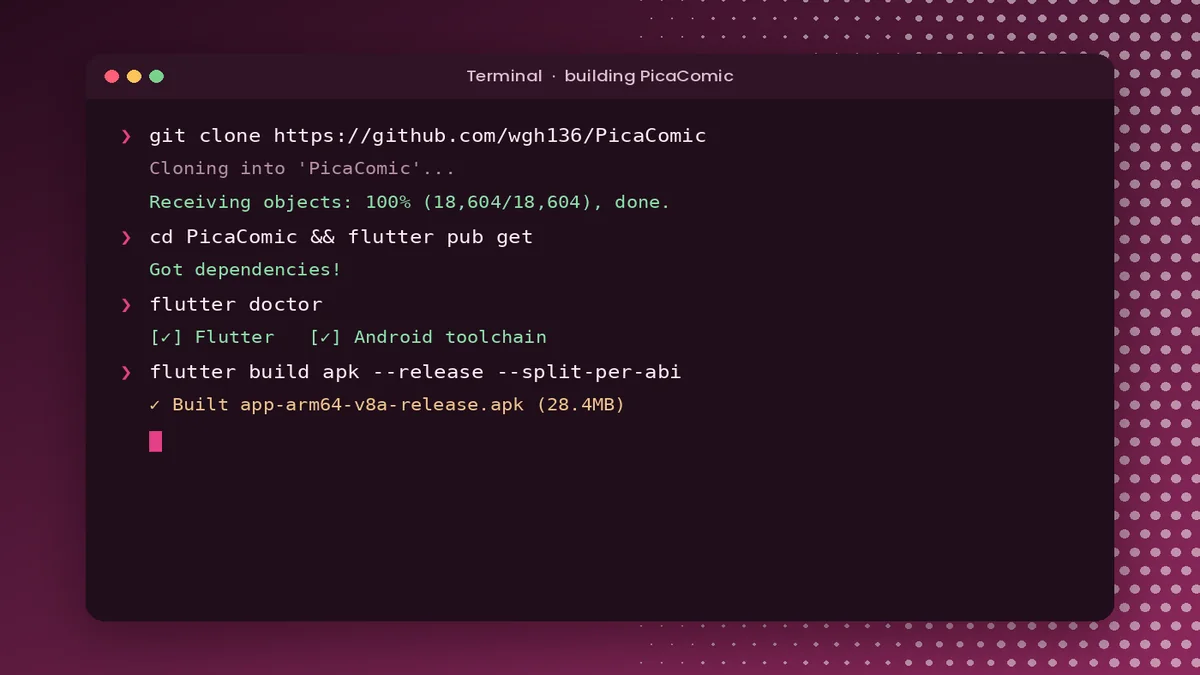
Git Clone https github com wgh136 PicaComic: Build From Source
Clone wgh136/PicaComic, install a matching Flutter SDK and build release APKs or desktop apps without the usual errors.
Read guide
Jcomic Explained: How the JM Catalogue Fits Beside PicACG
What Jcomic is, how it relates to PicACG, why its pages are scrambled and which clients read it properly.
Read guide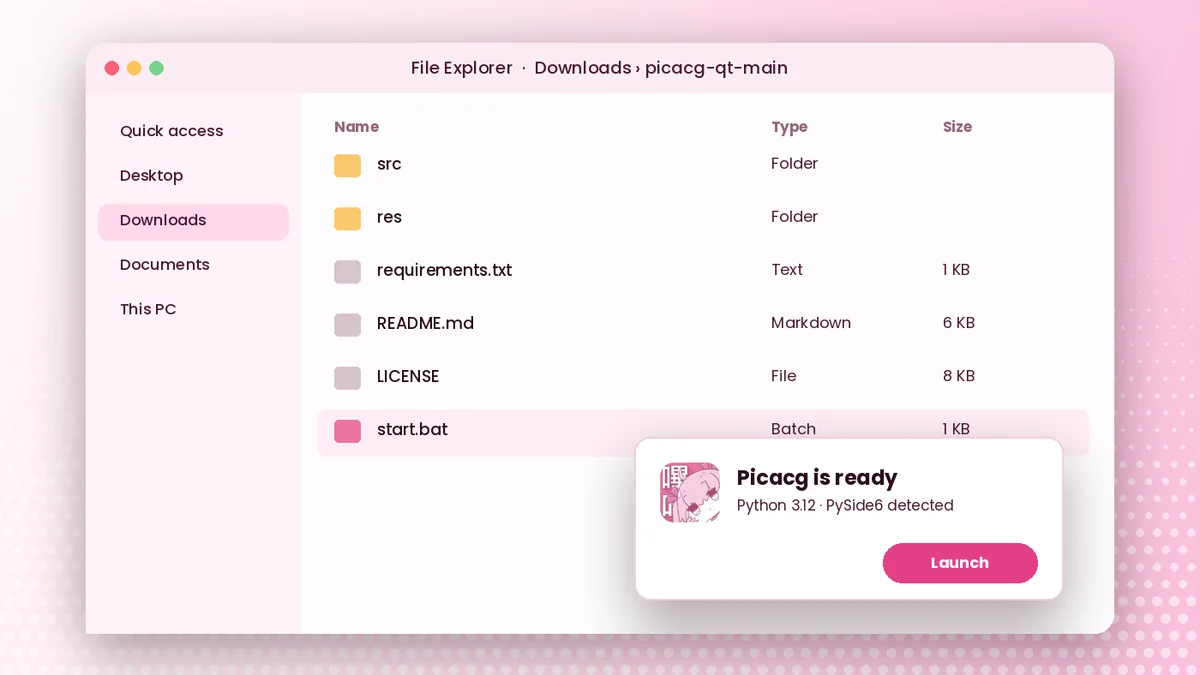
PicACG on Windows: Desktop Client Setup From the Source Archive
Install Python correctly, run the PicACG desktop client from picacg-qt-main.zip and create a one-click Windows launcher.
Read guide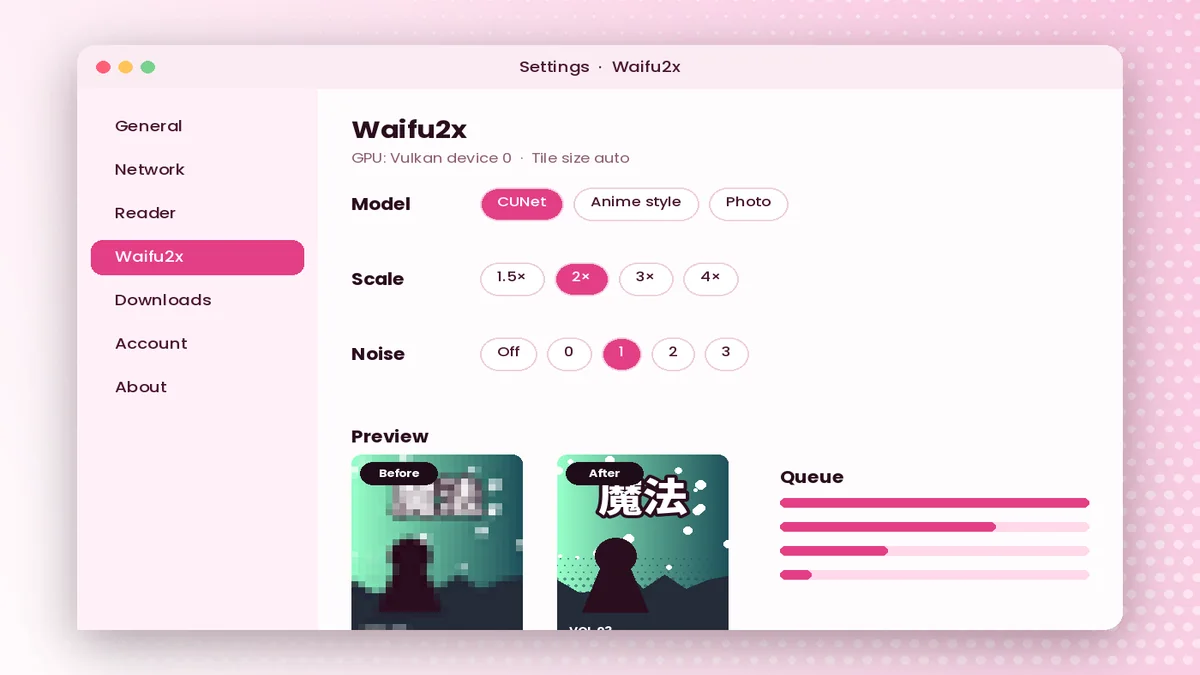
PicACG Waifu2x Upscaling: Settings for Sharper Comic Pages
How waifu2x works inside PicACG, the hardware it needs and the model, scale and noise settings that suit each page type.
Read guide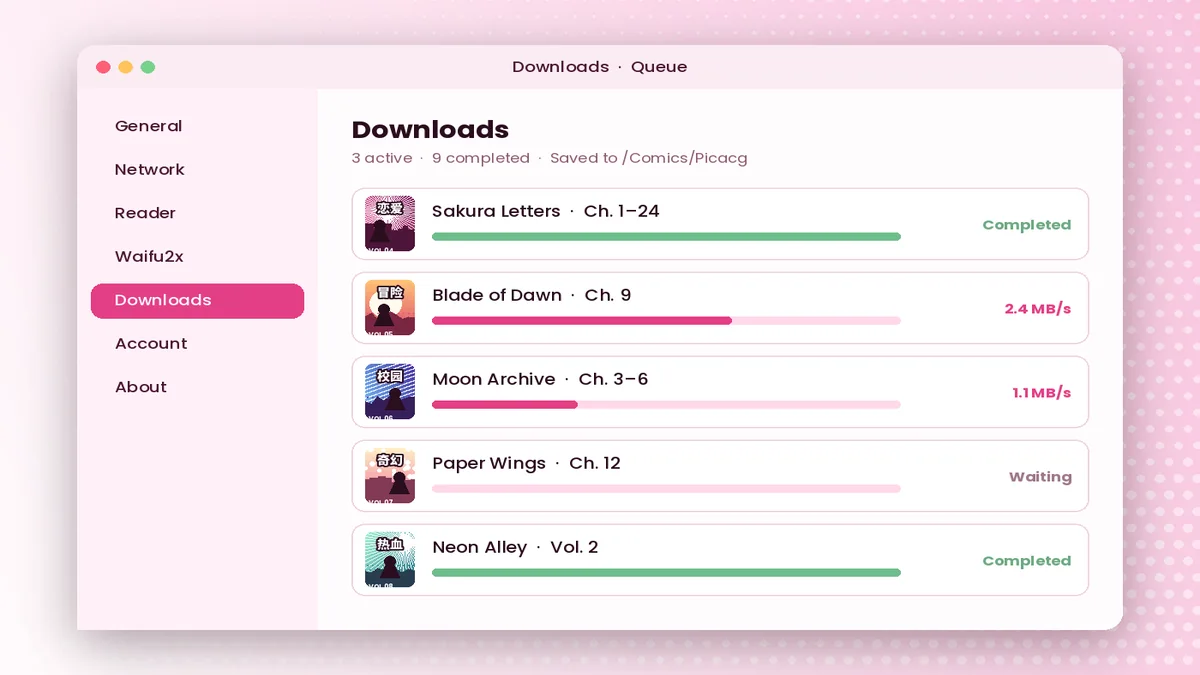
PicACG Offline Downloads: Building a Tidy Local Library
Plan storage, structure folders, back up and sync a PicACG offline library that stays organised for years.
Read guide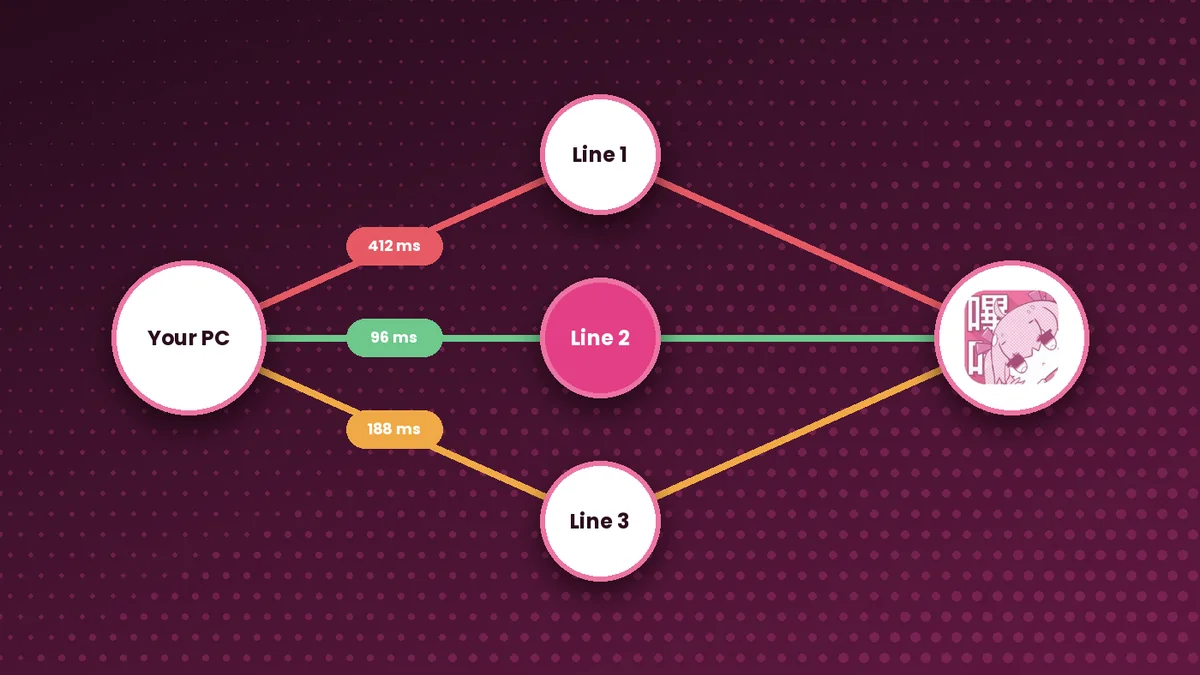
PicACG Connection Fixes: Lines, Proxies and Login Errors
Diagnose slow pages and failed logins with diversion lines, HTTP or SOCKS5 proxies, DNS fixes and a five-minute routine.
Read guide