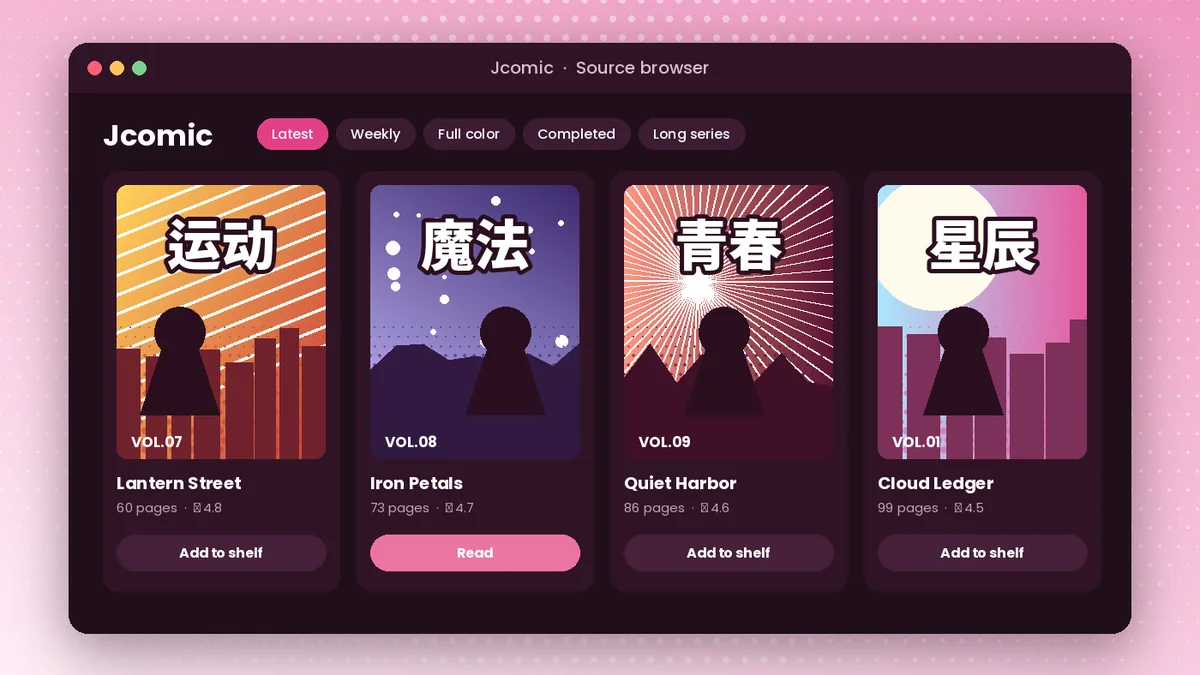
Jcomic is one of those names that means slightly different things depending on who is using it. For most readers it refers to the JM comic catalogue and the clients built to read it, a library that sits right beside PicACG in the community tools that have grown up around Chinese comic platforms. If you already use PicACG, you have almost certainly seen Jcomic listed as a source, mentioned in a changelog or recommended in a forum thread.
This guide explains what Jcomic is, how it relates to PicACG, which clients can read it, why its pages behave differently from other sources, and how to set it up responsibly. It is written for adults who already understand that these catalogues include mature material and who want a clear, practical overview.
What Jcomic Means
Jcomic is the common shorthand for the JM comic platform, often written as JMComic. It hosts a very large archive of comics, doujinshi and manga with an active upload community. Like PicACG, it has an official app, but many readers prefer community clients that offer better reading modes, cleaner interfaces, offline downloads and desktop support.
In the PicACG ecosystem, Jcomic shows up in two main ways:
- As a built-in source in multi-source readers such as the Flutter-based Pica Comic app, where it appeared alongside PicACG as one of the default catalogues.
- As a dedicated desktop client, JMComic-qt, written by the same developer behind the picacg-qt desktop client.
Because both platforms are widely used by the same audience, many readers keep accounts on each and switch between them depending on what they are reading.
Age and Content Notice
Jcomic, like PicACG, contains a substantial amount of adult content. Use these catalogues only if you are of legal age where you live. Every client discussed below offers some way of filtering categories or tags, and you should configure those filters before browsing, particularly on shared devices.
How Jcomic Relates to PicACG
The two platforms are separate services with separate accounts. A PicACG username does not sign you in to Jcomic, and favorites do not sync between them. What connects them is the tooling:
| Aspect | PicACG | Jcomic |
|---|---|---|
| Account | PicACG account | Separate JM account (browsing often works without one) |
| Dedicated desktop client | picacg-qt | JMComic-qt |
| Multi-source Android reader | Pica Comic (built-in) | Pica Comic (built-in) |
| Image delivery | Standard image files | Pages split and shuffled, reassembled by the client |
| Typical strength | Curated categories, community features | Very large archive, frequent uploads |
Readers who like the picacg-qt interface often adopt JMComic-qt for the same reasons: familiar layout, similar settings and the same approach to downloads and upscaling.
Why Jcomic Pages Need Special Handling
The most distinctive technical feature of Jcomic is the way it protects images. Rather than serving each page as a normal picture, many pages are sliced into horizontal strips that are shuffled in a predictable but non-obvious order. Viewed directly, such a page looks like a jumbled collage.
Clients must reverse this process before display. They calculate the correct order for each page, often based on the comic's ID and page number, then reassemble the strips. JMComic-qt implemented a reliable version of this restructuring algorithm, and the Pica Comic app credits that project as the source of the method it used to display JM images.
For readers, the practical consequences are straightforward:
- Use a client that supports restructuring. A generic image viewer cannot display these pages correctly.
- Expect slightly more processing. Reassembly takes a moment, especially for very tall pages on older phones.
- Downloaded pages may be stored either scrambled or restored, depending on the client. Check your download settings if you plan to view files outside the app.
Option 1: Reading Jcomic in Pica Comic
If you already use the Pica Comic app on Android, adding Jcomic is mostly a matter of enabling it.
- Open the app and go to the source or settings area.
- Enable the JM source if it is not already active.
- Optionally sign in with a JM account to unlock favorites and history synchronisation.
- Choose a working domain or line if the app offers a selection; JM addresses change from time to time, and a stale address is the most common reason the source shows nothing.
From then on, Jcomic results appear alongside PicACG in search and explore views, and you can favorite or download comics exactly as you would from any other source.
Tip: when Jcomic suddenly stops loading while other sources work, the address list is almost always the cause. Switching to another listed domain usually fixes it instantly.
Remember that the original Pica Comic repository is archived. Built-in source definitions are frozen at their last update, so if JM changes its interface, the archived app may stop reading it until you move to a maintained client or a custom source.
Option 2: JMComic-qt on Desktop
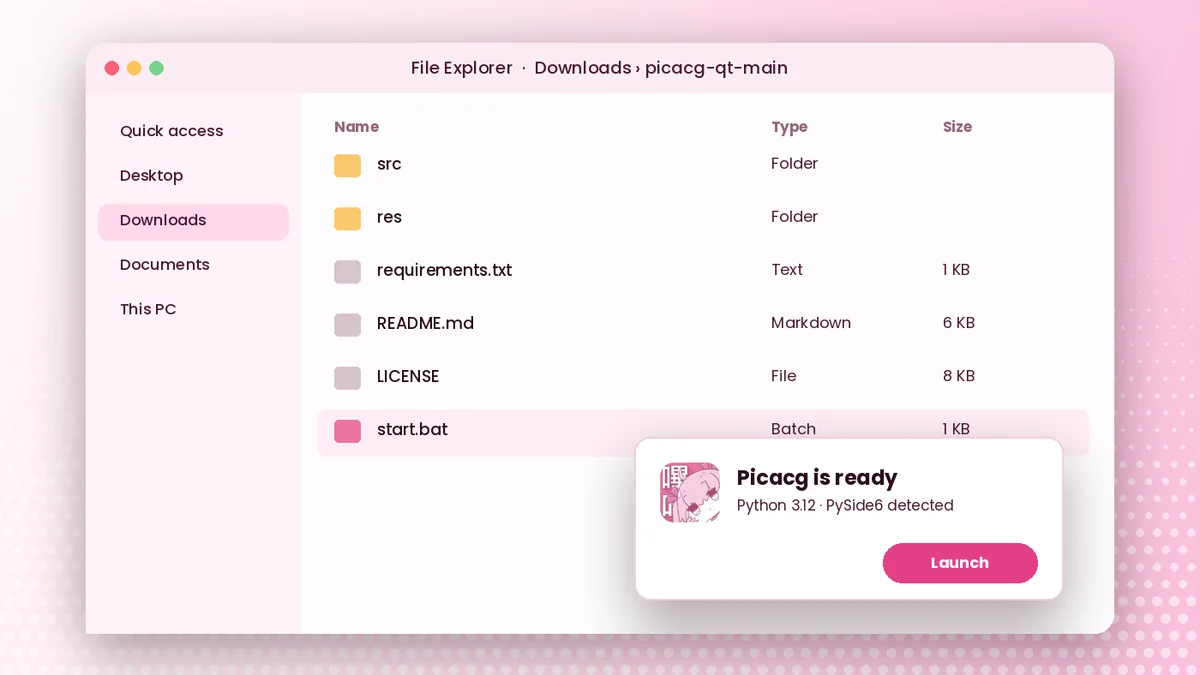
For long sessions on a large screen, the desktop client is the more comfortable choice. JMComic-qt follows the same pattern as picacg-qt: a Python application built with Qt, distributed as source and as packaged releases.
Installing from source
git clone https://github.com/tonquer/JMComic-qt.git
cd JMComic-qt
pip install -r requirements.txt
cd src
python start.py
Use a virtual environment if you also run picacg-qt, so each project keeps its own dependency versions without conflicts.
Key settings to adjust first
- Domain or line selection: pick a responsive address before browsing.
- Proxy: configure HTTP or SOCKS5 if your network requires it.
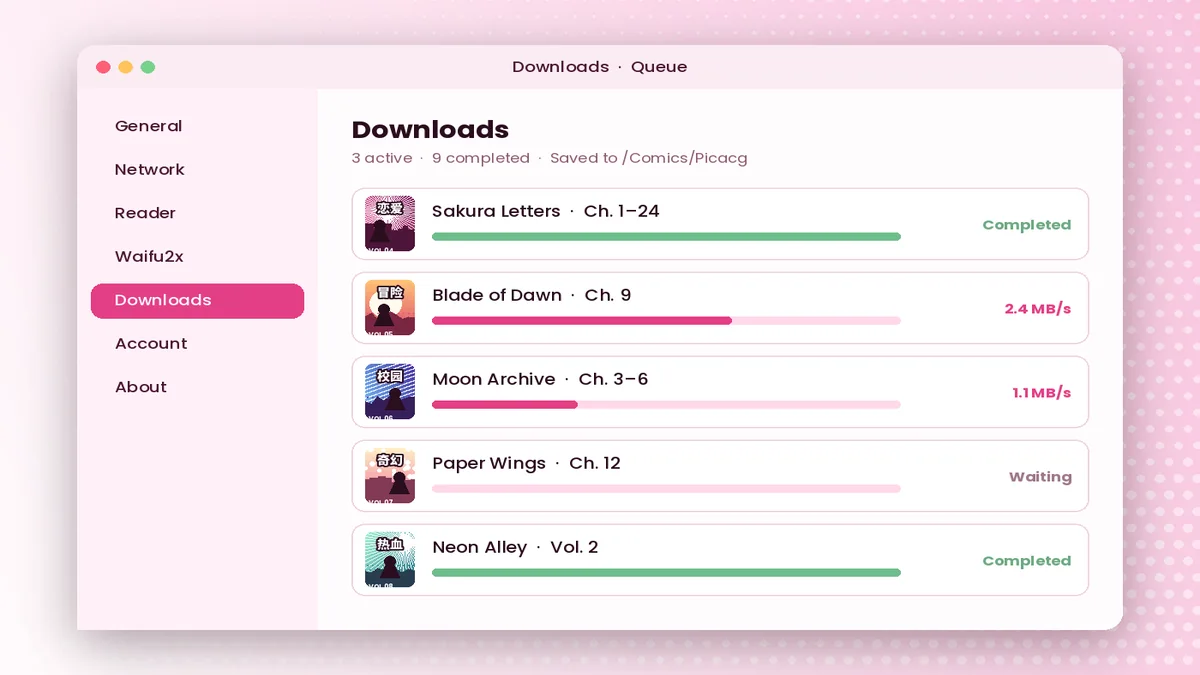
- Download folder: set a dedicated directory so your library stays organised.
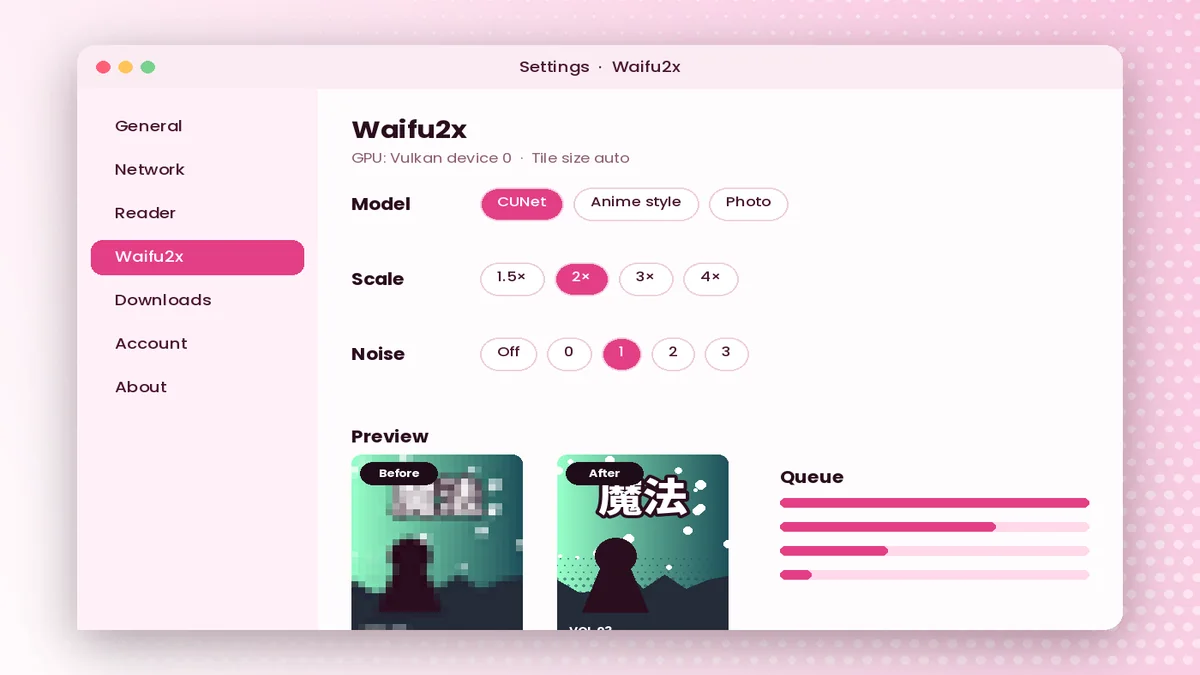
- Waifu2x: enable upscaling if you have a Vulkan-capable graphics card and want sharper pages.
Option 3: Custom Sources in Newer Readers
The ability to add custom sources, introduced in Pica Comic 3.0.0 and carried forward in Venera, means a maintained community source definition can replace a broken built-in one. If you use this route, take a few precautions:
- Install source definitions only from repositories or authors you trust, because a source can see the requests it makes on your behalf.
- Keep source definitions updated; when the site changes, the definition must change too.
- Never paste account passwords into a source script. Use the app's own login flow.
Building a Smooth Jcomic Reading Routine
Filter first, browse second
The volume of uploads is enormous. Set category and tag filters before you begin exploring so recommendations reflect what you actually want to read.
Use favorites folders
Both the desktop and mobile clients support favorites. Group them by series, genre or reading status to avoid an unmanageable single list.
Download strategically
Jcomic pages are often large, and reassembled pages larger still. Download a series a few chapters at a time, and periodically clear finished comics you do not intend to reread.
Match reading mode to content
Many Jcomic entries are single-volume works formatted as standard pages, so paged mode with right-to-left direction suits Japanese material. Long-strip uploads read better in continuous scroll mode.
Troubleshooting Jcomic
| Problem | Probable cause | What to try |
|---|---|---|
| Source shows no results | Outdated domain | Switch to another listed address or update the client |
| Pages look sliced or jumbled | Viewer not restructuring images | Read inside a supporting client; check download format settings |
| Login fails with correct password | Address or network route issue | Change domain, try a proxy, retry later |
| Very slow image loading | Congested route or large pages | Lower image quality, change line, download for offline reading |
| Crashes when opening long chapters | Memory pressure on older devices | Use scroll mode, close other apps, update the client |
Safety and Privacy Considerations
Jcomic clients are network applications that handle your account and display content from the internet. Treat them with the same care as any other software:
- Download clients only from their official GitHub repositories.
- Avoid repackaged "VIP" or "unlocked" builds; they are the most common source of malware in this niche.
- Use a unique password for your JM account.
- Protect the app with your device's lock features if others use it.
- Be aware that mature content filters reduce, but cannot guarantee to eliminate, unwanted material.
Choosing Between PicACG and Jcomic
You do not have to choose. Many readers use PicACG for its organised categories, rankings and community features, and Jcomic for its sheer breadth. The shared tooling makes moving between them painless: the same developer's desktop clients look and behave alike, and multi-source mobile readers place both catalogues in one interface.
If you value a polished, consistent experience on desktop, pairing picacg-qt with JMComic-qt is the simplest arrangement. If you prefer one app on your phone, a multi-source reader with both catalogues enabled keeps everything in one place.
Organising Two Libraries Side by Side
Readers who use both PicACG and Jcomic soon end up with two growing libraries. Keeping them distinct avoids confusion and makes backups easier.
Separate download folders
Give each client its own download directory, for example Comics/PicACG and Comics/Jcomic. Because Jcomic pages may be stored in restored or original form depending on settings, mixing them with PicACG downloads makes it harder to tell which tool can open which files. Separate folders also let you apply different backup rules; you might keep every PicACG series but only archive selected Jcomic works.
Consistent naming
When you export or archive comics manually, use a consistent naming pattern such as Title - Chapter 012. Zero-padded chapter numbers keep files sorted correctly in every file manager and reader. Add the source in parentheses if the same title exists on both platforms, so you can trace each file to its origin later.
Favorites as a reading list
Favorites on each platform are tied to their respective accounts. Treat them as reading lists rather than permanent archives. When you finish a series, move it out of active favorites into a folder named after its status, so the list you see first is always what you are reading now.
Desktop and Mobile Together
The smoothest setup for many readers combines a desktop client for discovery with a mobile reader for everyday reading. Browse Jcomic on a large monitor with JMComic-qt, where covers and tag lists are easier to scan, and add interesting works to favorites. On your phone, open the multi-source reader, which pulls favorites from the same account where supported, and read during commutes. Downloads are stored separately on each device, so download on the phone over Wi-Fi before leaving home.
| Task | Better on desktop | Better on mobile |
|---|---|---|
| Browsing large tag lists | Yes | |
| Batch downloading | Yes | |
| Waifu2x upscaling | Yes | |
| Short reading sessions | Yes | |
| Reading while travelling | Yes |
Staying Current With Address Changes
Jcomic changes its addresses more often than most platforms, which is why domain selection features exist in its clients. When a client stops loading content, check its GitHub issues for recent reports, since other users usually post working addresses quickly. Update maintained clients promptly, as new releases often bundle refreshed address lists. Keeping one maintained client available, even if you prefer an archived one, ensures you are never locked out for long.
Summary
Jcomic is the JM comic catalogue, a large archive that lives alongside PicACG in the community reader ecosystem. It can be read through multi-source apps such as Pica Comic or through the dedicated JMComic-qt desktop client. Its scrambled image delivery means you need a client that restores pages, and its changing addresses mean you will occasionally switch domains. Set filters early, download from official repositories and keep your account secure, and Jcomic becomes a natural companion to your PicACG library.
Frequently Asked Questions
Is Jcomic the same as PicACG?
No. They are separate platforms with separate accounts and catalogues. They are often used together because the same community tools support both.
Do I need an account to read Jcomic?
Browsing frequently works without one, but signing in enables favorites, history and some restricted content depending on the client and the platform's rules.
Why do some Jcomic images look cut into pieces?
The platform shuffles horizontal strips of many pages. Supporting clients reassemble them automatically; generic image viewers cannot.
Does picacg-qt read Jcomic?
picacg-qt focuses on PicACG. For Jcomic on desktop, the sibling project JMComic-qt is the dedicated client.
Why did Jcomic stop working in my archived app?
Archived apps no longer receive source updates. If the platform changes its addresses or interface, switch domains, use a maintained client or install an updated custom source.